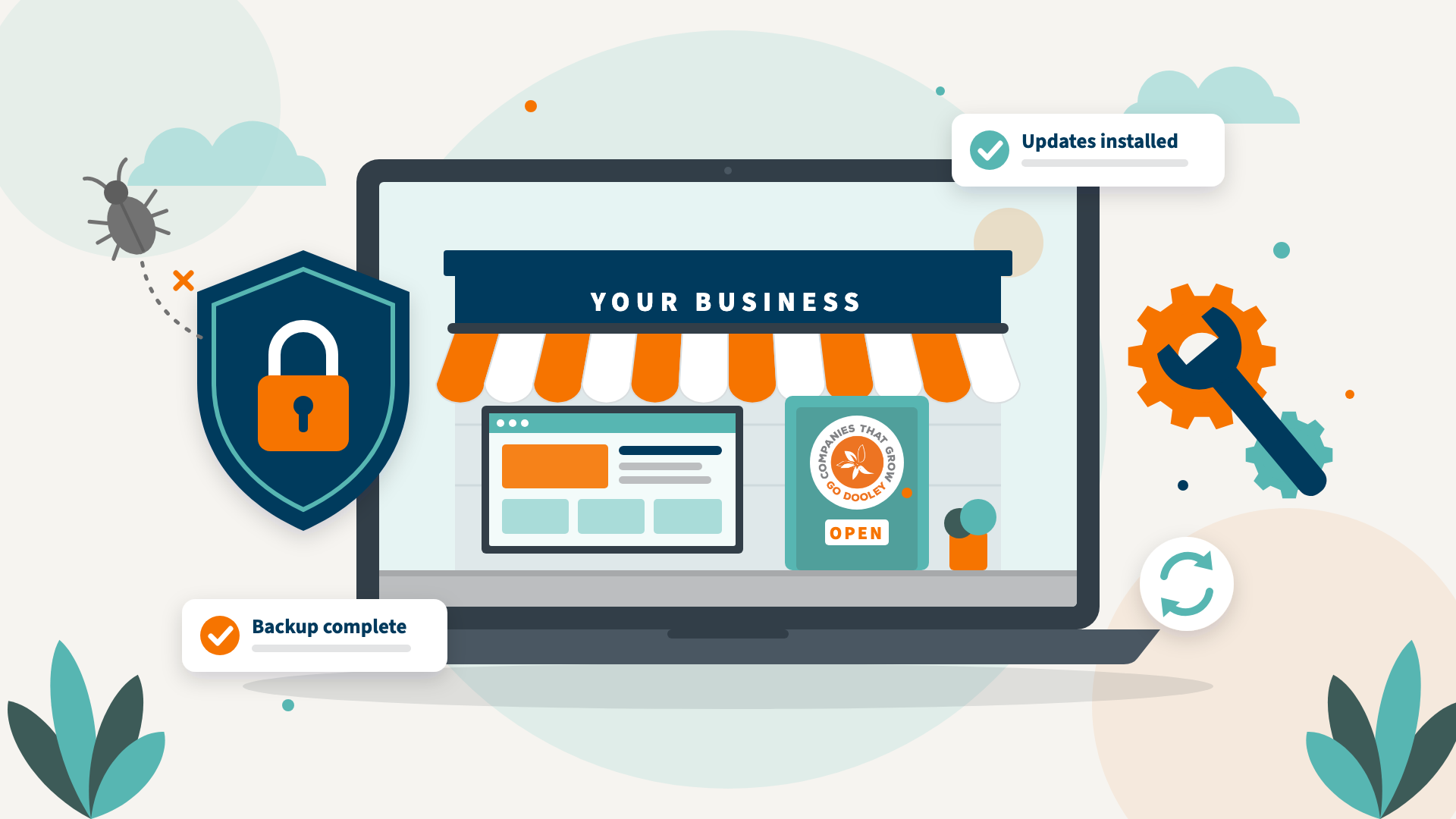
Would you let your storefront fall apart?

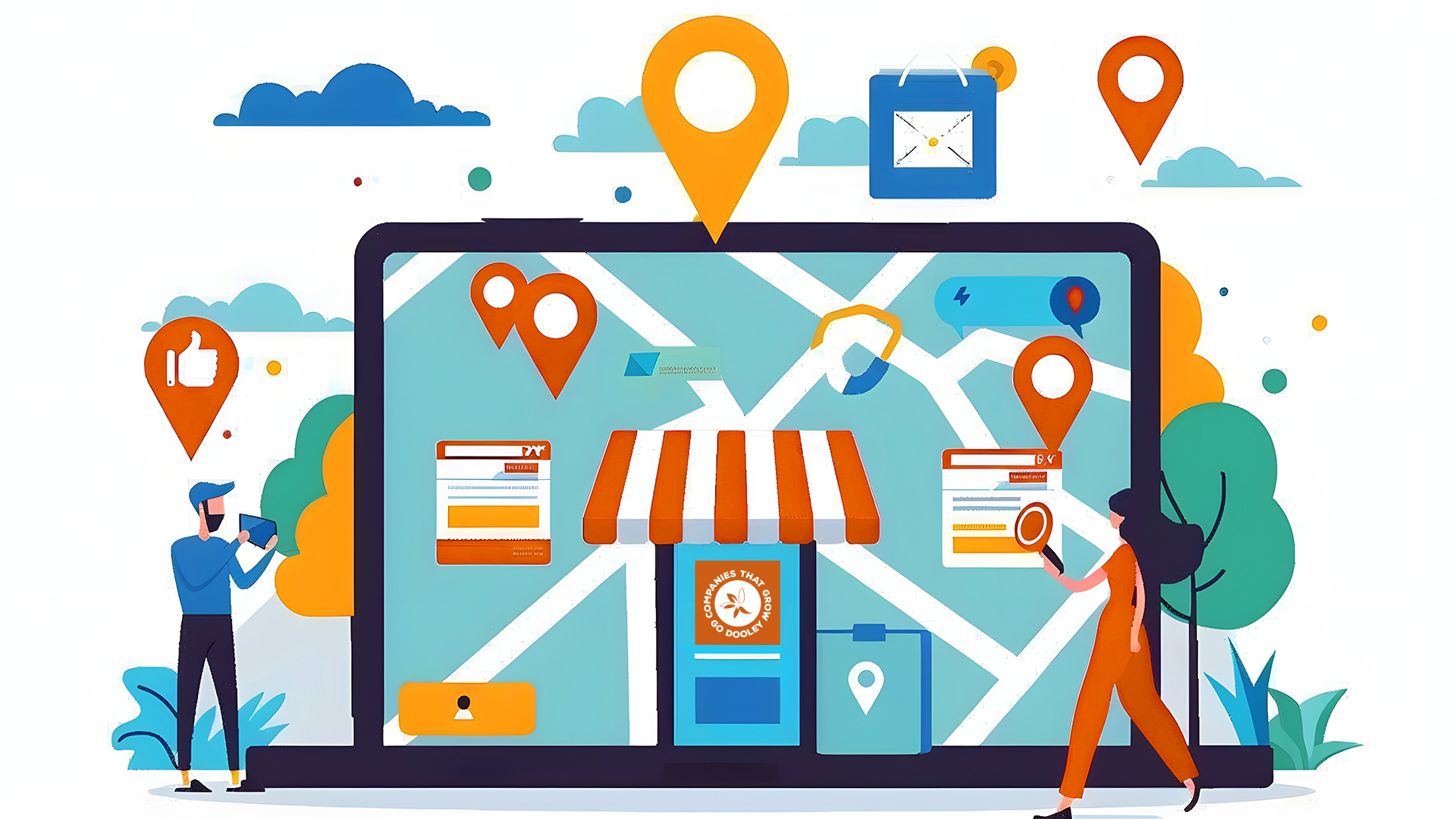
Websites, software, and technology can feel technical, intimidating, or, let’s be honest, a little boring. So let’s put website maintenance in terms everyone understands: running a brick-and-mortar store.

A physical store needs regular cleaning, repairs, and updates to stay safe and inviting. If there’s a security concern, you change the locks or add cameras. If customers say the aisles are too narrow or the shelves are too high, you rearrange the layout. If the space starts to look dated, you renovate to bring people back in.

Your website deserves the same attention. It needs regular software updates, security patches, and monitoring to stay secure and working properly. Periodic design and content refreshes keep it engaging, too, and show visitors that your business is active and listening.

Why does website security maintenance matter?

  • Attackers move faster than ever. Once a weakness in website software becomes public, the gap before attackers try to exploit it used to be weeks or months. With automated scanning tools, and now AI, it can be days or even hours.
  • The stakes keep rising. Attackers are more sophisticated, and a successful attack can do more damage than ever.
  • Good hosting helps, but it isn’t enough on its own. Managed platforms like Pantheon, which we use for our clients’ websites, keep your site isolated from others, use separate development, testing, and live environments, and block direct changes to your live site. But if your WordPress core, theme, or plugins are out of date, your site can still be vulnerable.

Think of it this way

Picture a colony of pests working day and night to find a gap in your walls or a hole in your roof. Once they’re in, they damage the building, ruin your inventory, and put your customers at risk. Outdated software is that gap, and automated bots are searching for it around the clock.

Can updating your website break it?

Yes, and that’s exactly why updates need a careful hand. WordPress core, your theme, and each plugin are built by different developers on different schedules. Update one, and it can conflict with another, causing pages to display incorrectly, features to stop working, or the whole site to go down.

In store terms, it’s like installing new doors only to find they now swing open into an aisle. That’s why we test updates in a separate environment before they ever reach your live site.

What else does regular maintenance do for your business?

Security and stability are only part of the story.

  • A better experience for visitors. Fresh content and thoughtful design updates keep people engaged and give them reasons to come back.
  • Stronger search visibility. Search engines favor sites that are fast, secure, and current. Regular updates, fixed broken links, and fresh content all support your SEO and AEO.
  • Faster load times. Outdated code and unnecessary plugins slow your site down, and slow sites lose visitors before the page even loads.
  • Backups you can count on. Scheduled backups and monitoring won’t prevent every problem, but they mean you can recover quickly when something goes wrong.
  • Smarter decisions. Regularly reviewing your site’s analytics shows how people actually use it and which of your products or services get their attention.

Let’s keep your website in good repair.

You wouldn’t ignore a broken lock or a leaky roof at your store. Your website deserves the same care.

Dooley & Associates manages more than 200 websites, handling the updates, security patches, backups, and design refreshes that keep them secure, fast, and working hard. Whether you need a one-time website checkup or a long-term maintenance partner, we’re here to help.

Prefer to talk? Call us at 262.925.4769.

Frequently asked questions

Check for WordPress core, theme, and plugin updates at least monthly, and apply security patches as soon as they’re released. Content and design deserve a review at least once or twice a year.
Only in part. Your host protects the servers your site runs on. Keeping your website’s own software (WordPress, your theme, and plugins) up to date is your responsibility or your web partner’s.
Automatic updates help with small security releases, but larger updates can conflict with your theme or other plugins and break your site without warning. Testing updates before they go live is the safer approach.
A hacked site can be defaced, redirect visitors to scam pages, leak customer data, or get flagged by Google as unsafe. Recovery usually means cleaning the infection, restoring a backup, and closing the gap that let attackers in, which is why prevention costs far less.